Appmaker Release
Release your theme or extension with the Appmaker CLI, then submit it for approval.
To release your app, you need to follow the steps below:
-
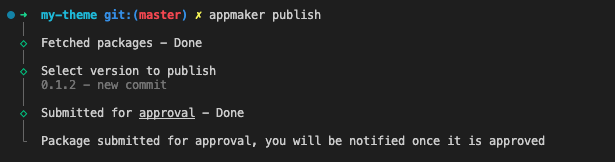
In appmaker CLI, run the following command to release your app
appmaker release -
You will be prompted to enter the release notes for your app. Enter the release notes and press enter.
Submit for approval
To submit your app for approval, you need to follow the steps below:
-
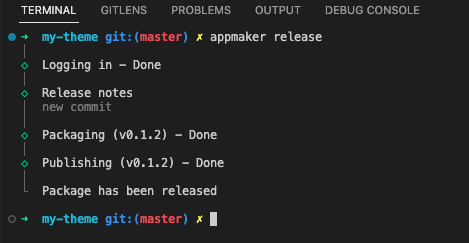
In appmaker CLI, run the following command to submit your app for approval
appmaker publish -
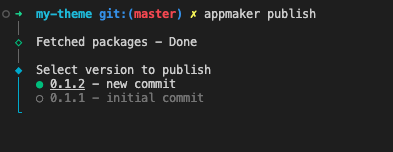
You will be prompted to select the version of your app. Select the version you want to submit for approval and press enter.
- You have successfully submitted your app for approval.