How to add filter in app
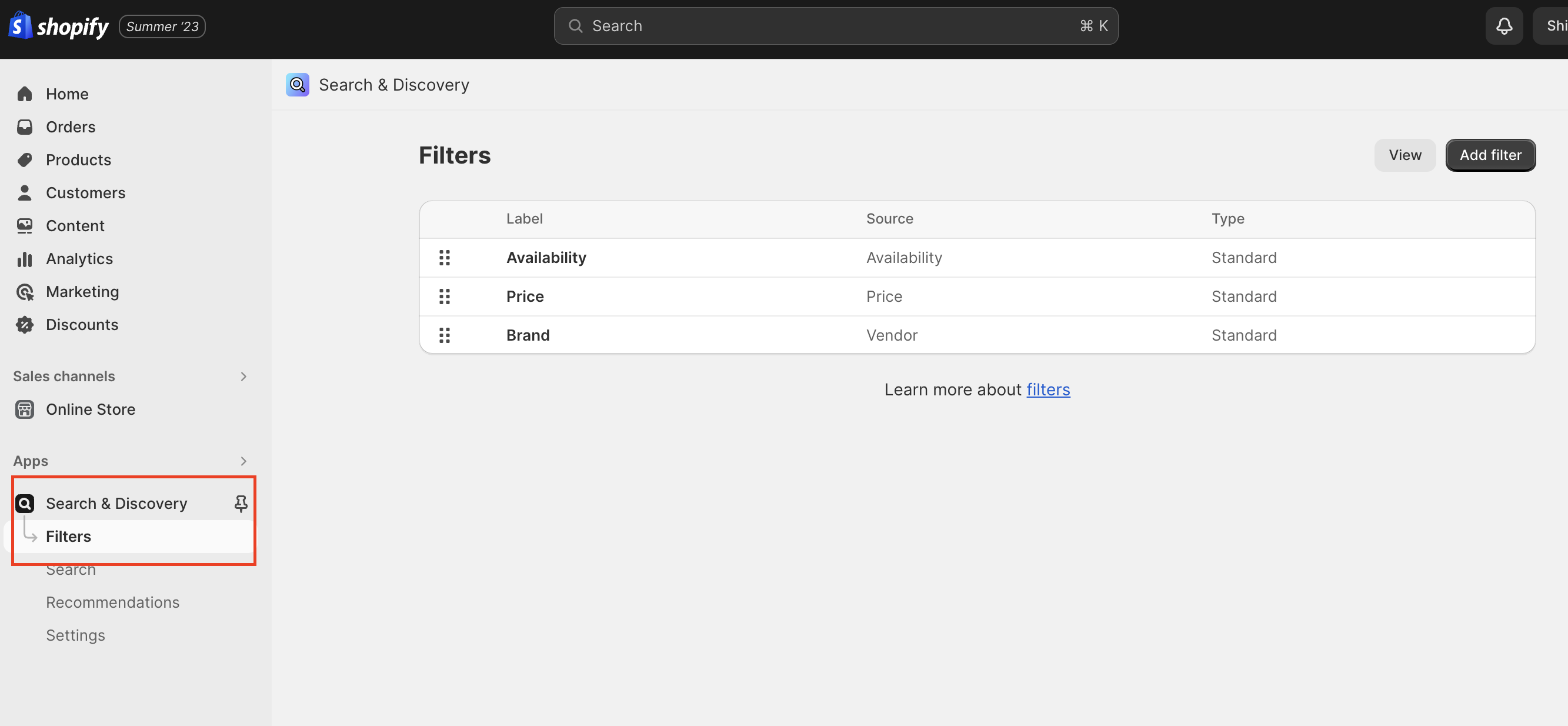
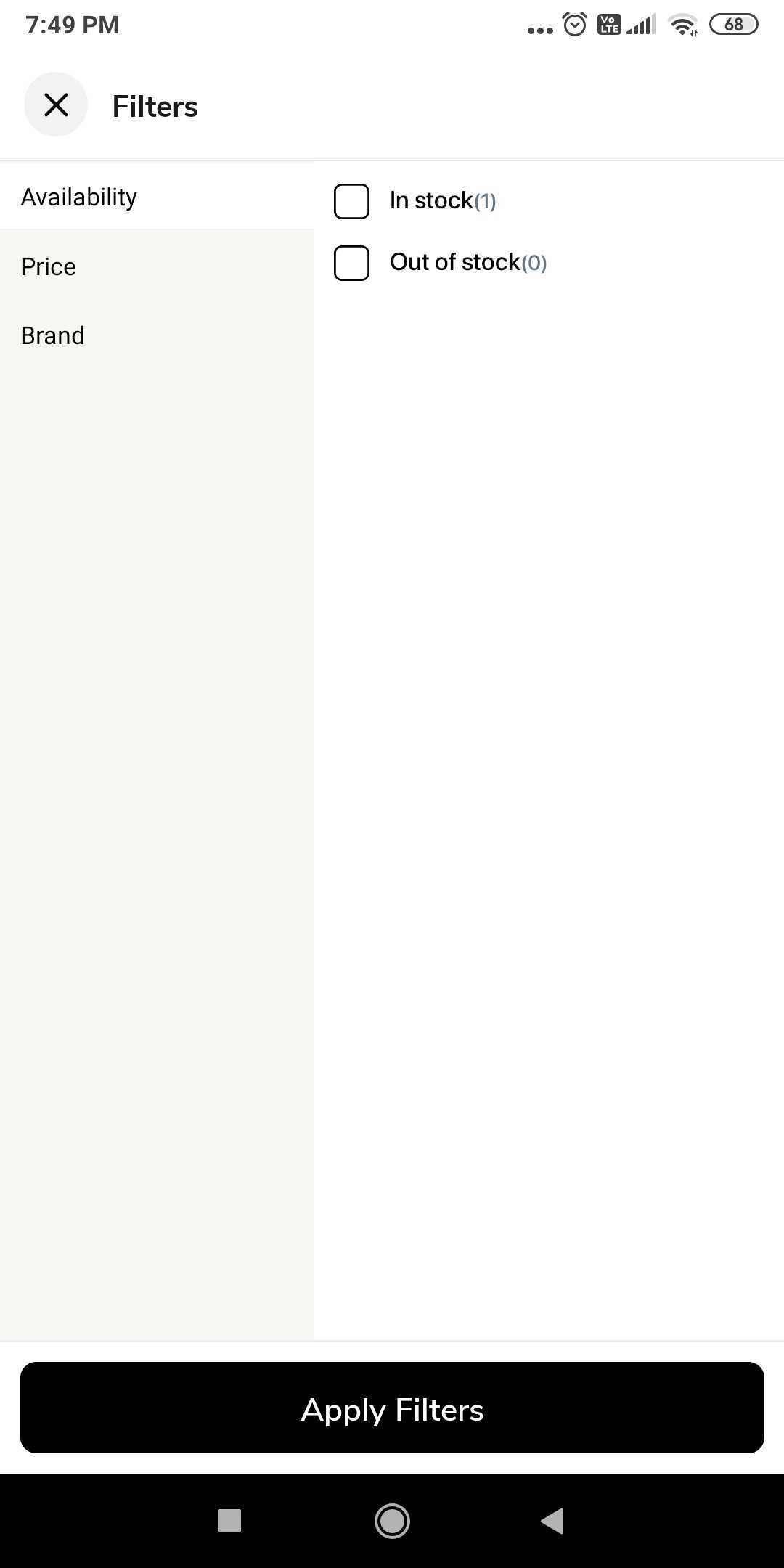
You can add a filter in the app using Search and Discovery app on shopify backend.
You can add a filter in the app using Search and Discovery app on shopify backend.
Configuration
-
Install Search and Discovery app from shopify app store.
-
Go to
filtersection and click onAdd filter. -
Search for the available list of filters and add the relevant
filter options. -
Click on
Save.